
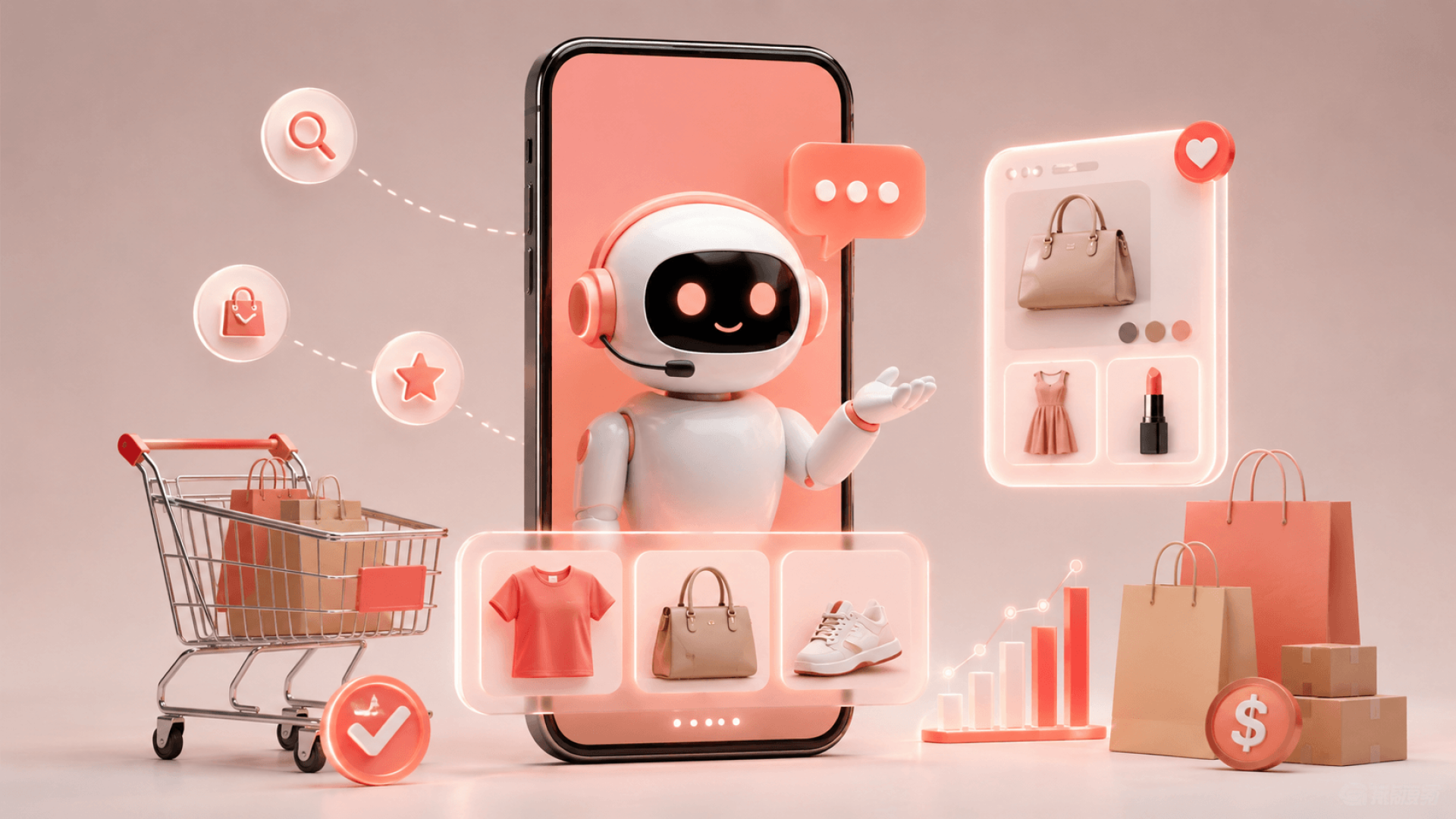
An AI shopping assistant is a computer program that helps customers find products, answers their questions, and completes purchases without needing a person to step in. Unlike regular support chatbots that just redirect questions, a shopping assistant takes a more active role in selling. It suggests products, reminds customers about items left in their carts, and quickly helps with any checkout questions.
What is an AI shopping assistant?
An AI shopping assistant is a self-running system made to help shoppers find products, answer questions about your items and rules, and complete sales anytime, day or night.
Unlike a regular support chatbot that just answers questions, a shopping assistant actively helps sell. It suggests products based on what shoppers look at and want to buy, helps when shoppers hesitate at checkout, and offers useful extras like a good salesperson would. This leads to more finished orders, bigger purchases, and fewer questions blocking checkout.
How does an AI shopping assistant work?

An AI shopping assistant operates on a four-layer pipeline: ingesting your catalogue and policies, detecting what each shopper intends to do, generating responses grounded in your real product data, and executing actions like product recommendations and cart recovery.
Step 1: Learning. The system studies your product details (descriptions, prices, stock), your rules (shipping, returns, sizes), and your brand style. This is the base; it can only suggest what you sell and answer questions about your real policies.
Step 2: Understanding Intent. When a customer sends a message, the system figures out what they want. "Do you have this in size M?" means they care about size. "What's your return window?" means they want to know about returns. "Something for a beach wedding?" means they want help finding products. Each type of question gets a different answer.
Step 3: Creating Answers. The system gives answers based on your real products and rules. It does not make things up; if it doesn't know, it asks a human. For finding products, it suggests items that fit the shopper's needs. For policy questions, it uses your real documents.
Step 4: Taking Action. The system follows through on its suggestions. It can add products to the cart, send order updates, or alert your team about important hesitations. This is how a shopping assistant is different from a support chatbot; it does more than just give information.
AI shopping assistant vs eCommerce chatbot vs AI sales agent
Feature | AI Shopping Assistant | eCommerce Chatbot | AI Sales Agent |
Answers from | Your catalog + policies | Knowledge base + support FAQ | Your catalog + policies + sales intent |
Recommends products | Yes, in conversation | Rarely, mostly deflects | Yes, actively |
Recovers abandoned carts | Yes, at checkout hesitation | No | Yes, in real time |
Handles upsells | Yes, it suggests add-ons | No | Yes, it suggests add-ons and upgrades |
Acts on recommendations | Yes, adds to cart | No, just informs | Yes, it adds to the cart and drives purchases. |
Measured on | Revenue influenced, cart recovery rate, AOV lift | Tickets deflected, support cost reduction | Revenue influenced, carts recovered, AOV lift |
When it works best | 24/7, after-hours browsing | Reducing support overhead | Building sales while supporting |
The terms are often used interchangeably, but the distinction matters. A chatbot reduces support costs. A shopping assistant (or sales agent) adds revenue. Both can exist in the same system.
What problems does an AI shopping assistant solve?

Problem 1: Cart abandonment. About 70% of shopping carts are left before checkout. Research from Baymard Institute shows the main reasons are surprise costs, forced account sign-up, and problems during checkout. A shopping assistant spots hesitation at the last step and helps clear the shopper's doubts.
Problem 2: After-hours demand. Your busiest shopping times often happen when your team is not working. A customer browsing at 10 PM wants an answer right away, not an email on Monday. A shopping assistant works all day and night, making sales while your team rests.
Problem 3: Product discovery failure. Many visitors leave without finding what fits them. They don't ask; they bounce. A shopping assistant guides them toward products that match their needs, reducing the "I couldn't find what I needed" exit.
Problem 4: Repetitive support load. Questions about sizes, shipping, returns, and order tracking come up many times daily. A shopping assistant answers these quickly using your real policies, freeing your team to help customers who need personal attention.
What can an AI shopping assistant actually do?
- Product recommendations. The assistant looks at browsing history, cart items, and shopper requests to suggest products that match what customers need. It can also recommend related items or better choices when it makes sense in the conversation.
- Abandoned cart recovery. If a shopper seems ready to leave, the assistant notices and helps solve whatever is stopping them. For example, if they are worried about shipping costs, it explains them. If they are unsure about size, it provides answers. The aim is to save carts that might otherwise be lost.
- Order tracking. Shoppers often want to know, "Where's my order?" The shopping assistant can find this information and give a status update without needing a person to step in.
- Policy answers. Questions about shipping, returns, sizing, materials, or anything else covered in your policies are answered right away using your real documentation. There is no guessing involved.
- After-hours support. The system is always available. Whether someone is shopping at night, on weekends, or during holidays, it keeps working around the clock.
- Upsell and add-on suggestions. When it makes sense, the assistant suggests items that are genuinely helpful to the shopper, not just aimed at boosting sales.
- Where it breaks down: AI shopping assistants have trouble with complex customer relationship issues, situations that need judgement or exceptions, product changes or custom orders, and complicated returns or disputes. These situations still require a human touch.

What does an AI shopping assistant cost?
- Cost model 1: Platform app subscription. Ready-made apps on Shopify App Store or similar places. Price: usually $50-$200 per month. Setup is fast. Customisation is limited. You can only use the platform's features.
- Cost model 2: Mid-level AI platform. Managed platforms like Gorgias, Tidio, or Zendesk with AI features. Price: $100-$500 per month, often with extra fees per conversation. Setup effort is moderate. You get more control over how the assistant acts and sounds.
- Cost model 3: Custom build with a development partner. A bespoke system built around your catalogue, policies, and brand voice. Price: $25,000-$150,000+ upfront, depending on catalogue size, integration complexity, and customisation depth. Implementation takes 4-12 weeks. You own the system and have full control.
What affects the price:
- Catalogue size and complexity. A 100-product store costs less than a 10,000-item catalogue.
- Data readiness. If your product data is clean and well-documented, setup is faster. If it's messy, that's a cost.
- Integration surface. Integration with Shopify is simpler than custom eCommerce platforms.
- Customisation depth. More brand voice training and edge-case handling increases cost.
A quick note on ROI: Even a custom build at $100k becomes profitable fast if it recovers even 5% of abandoned carts or lifts average order value by 10%. For a store doing $1M/year in revenue, that's $50k-$100k in incremental revenue annually.
How long does implementation take?
Platform app: 1-2 days. Install, connect to your store, and go live.
Mid-tier platform: 2-4 weeks. Setup, configuration, training, and testing before launch.
Custom build: 8-16 weeks. Discovery and data prep (2-3 weeks), development (4-8 weeks), testing and refinement (2-4 weeks), go-live and optimisation (1-2 weeks).
What affects the timeline:
- Data readiness. Are your product descriptions, attributes, and policies organised and documented?
- Integration complexity. How many systems does it need to connect to?
- Customisation scope. How specific should the brand voice and behaviour be?
- Your team's availability. How quickly can you provide feedback and information?
Realism check: Faster implementation often means less customisation. Slower implementation often reflects deeper customisation and data prep, not inefficiency.
Build, buy, or install a platform app?
Install a platform app if:
- You have a simple catalog (under 500 products)
- You need something working immediately.
- You want minimal overhead.
Use a mid-tier platform if:
- You have a medium catalog (500-5,000 products)
- You want more customization than an app allows
- You're comfortable with some configuration work.
Build a custom solution if:
- You have a large or complex catalogue.
- You need deep brand voice and policy customisation.
- You want full control and ownership.
- Your store does significant volume and can justify the investment.
How do you evaluate an AI shopping assistant provider?
- Catalogue grounding. Does the system pull recommendations from your actual products, or does it sometimes suggest things you don't sell? Can it handle size, colour, and inventory variants correctly?
- Hallucination handling. What happens when the system doesn't know the answer? Good systems recognise the limit and escalate. Bad systems, guess.
- Data residency and security. Where does your customer data live? How is it encrypted? Can you delete customer data on request?
- Escalation design. When does the system hand off to a human? What information does it pass along? Can your team see the full conversation?
- Post-launch ownership. After go-live, do they stay involved, or are you on your own? Who monitors uptime and accuracy?
- Measurement. What metrics does the provider track? Revenue influenced? Carts recovered? AOV lift? Or just deflected tickets? The better providers measure outcomes, not just activity.
How is performance measured?
Metrics that matter:
- Carts recovered. How many abandoned carts resulted in completed purchases because the assistant stepped in?
- Revenue influenced. What revenue came from the assistant's recommendations and interventions?
- Average order value lift. Did the assistant's upsells and recommendations increase order size?
- After-hours revenue. What portion of sales came during times your team wasn't working?
- Support deflection rate. What percentage of support questions did the assistant answer without human escalation?
Metrics that mislead:
- Conversations handled. A high number of conversations doesn't mean high value.
- Tickets deflected. Deflecting support tickets is useful, but revenue is the real win.
- Response speed. Fast responses don't always lead to conversions.
Setting a baseline: Most stores see the first impact within 2-4 weeks of launch. Cart recovery is often the first metric to move. AOV lift takes slightly longer as the system learns what your customers value.
What's next?
An AI shopping assistant works best when your catalogue data is clean, your policies are documented, and your team knows what success looks like (revenue, not just deflected tickets).
The real decision isn't whether to build a shopping assistant; most stores will eventually. The decision is when and how deep to go. If you're losing 70% of your carts and seeing after-hours demand you can't fill, sooner is better than later.
Ready to see one in action? Book a free demo of the Cypherox AI Sales Agent and watch it recover abandoned carts, recommend products, and answer real shopper questions live in a store like yours.
Frequently Asked Questions
What is the difference between an AI shopping assistant and a chatbot?
Support chatbots mostly answer and redirect customer questions, which helps reduce your support workload. Shopping assistants do more; they answer questions, suggest products, recover abandoned carts, and help increase sales. They support your team and help grow your revenue.
Do AI shopping assistants work with Shopify and WooCommerce?
Yes, most AI shopping assistants work with Shopify, WooCommerce, BigCommerce, Magento, and custom e-commerce platforms. The way they connect may vary, but these platforms are generally compatible.
How much does an AI shopping assistant cost?
Platform apps usually cost between $50 and $200 per month. Mid-tier platforms are $100 to $500 per month. Custom builds can range from $25,000 to over $150,000, depending on your catalog size, complexity, and how much customization you need.
Can an AI shopping assistant recommend products accurately?
Yes, as long as the system is trained with your actual catalog data and learns from your customers’ browsing and purchase history. The accuracy depends on your data quality and how well the system is trained, so some systems are more reliable than others.
Will an AI shopping assistant replace my support team?
No, it will not replace your support team. The assistant handles routine questions and after-hours sales, so your team can focus on customers who need more personal help. Most stores keep their team and use the assistant to manage extra requests.
How long does it take to launch an AI shopping assistant?
You can set up platform apps in just 1 to 2 days. Mid-tier solutions usually take 2 to 4 weeks. Custom builds may take 8 to 16 weeks, depending on your catalog size and how complex the customization is.

Vipinraj Nair
